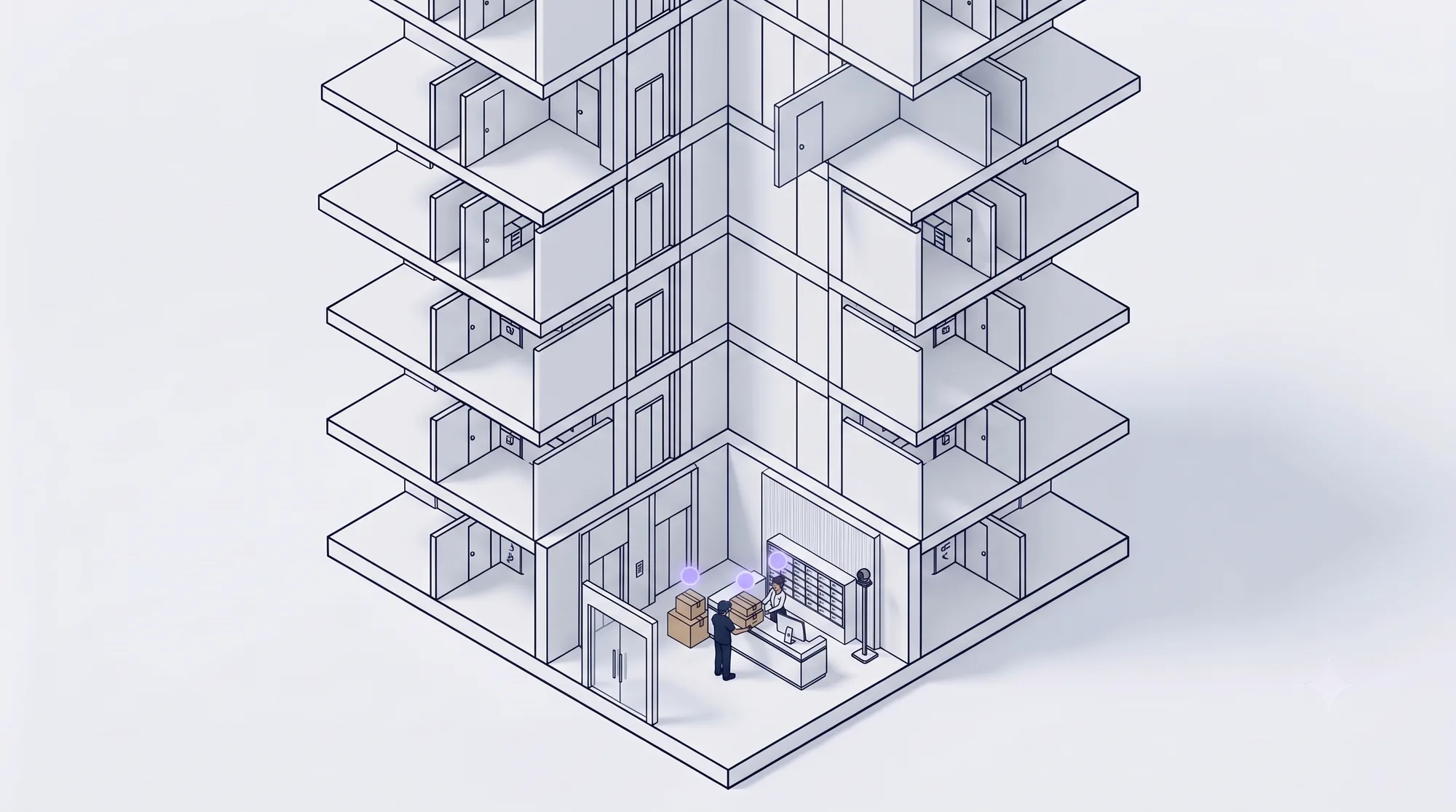
A parcel arrives. Nobody types it in.
At high-volume properties, the front desk registers 1,000+ parcels a day by hand, about 45 seconds each (reported in the requirements). Parcel OCR does the typing.
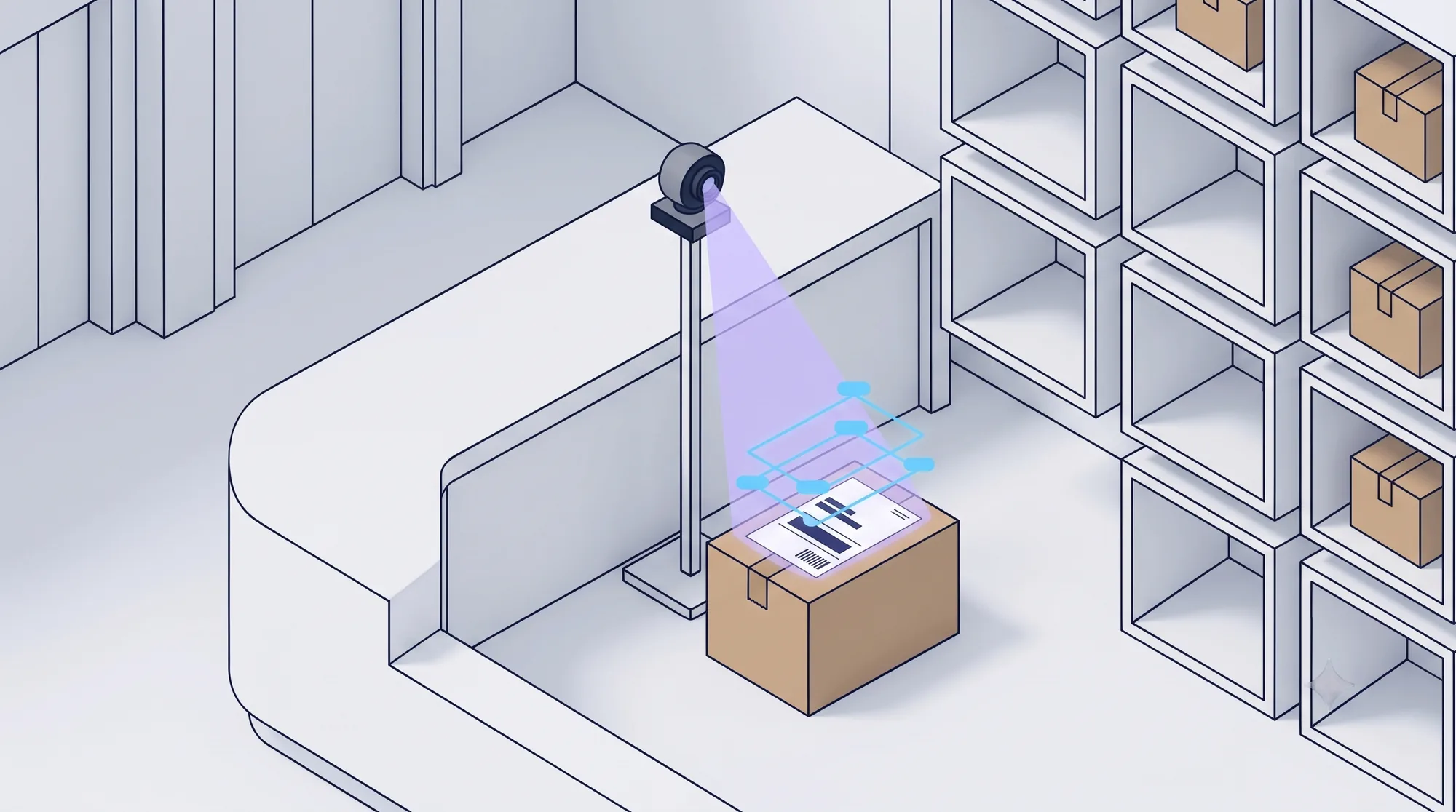
The camera reads the label.
Capture with the webcam or upload a photo. The label is read inside your organisation's own systems, and every field gets a box and a confidence score.
One unit. One recipient. Or none.
The label is matched only against residents of this property. A similar name never matches on its own, and if two units fit, neither is chosen.
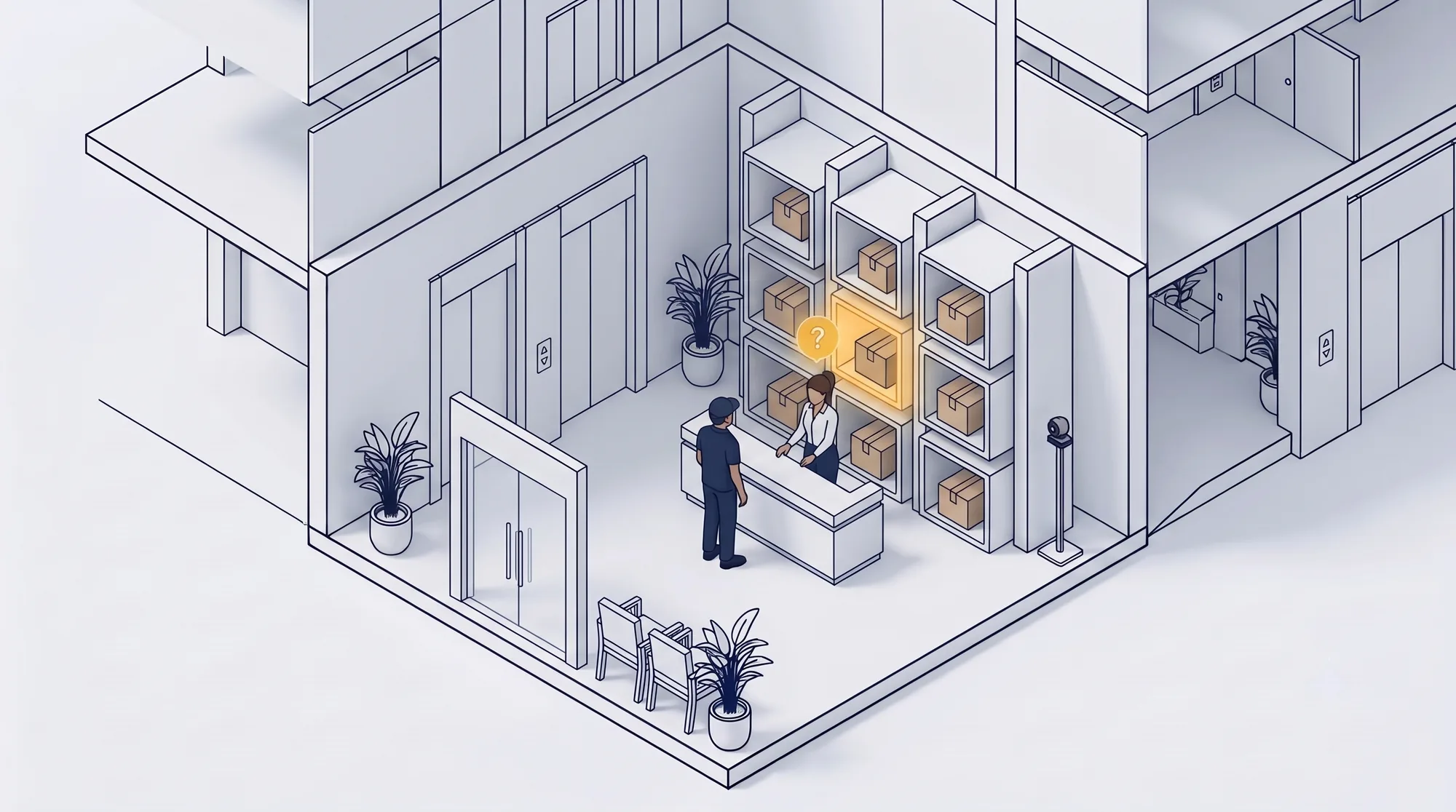
When it is unsure, it waits.
Anything uncertain goes to the hold rack with the reason in plain words. Nothing is guessed: an officer checks it, fixes what is marked, and confirms.
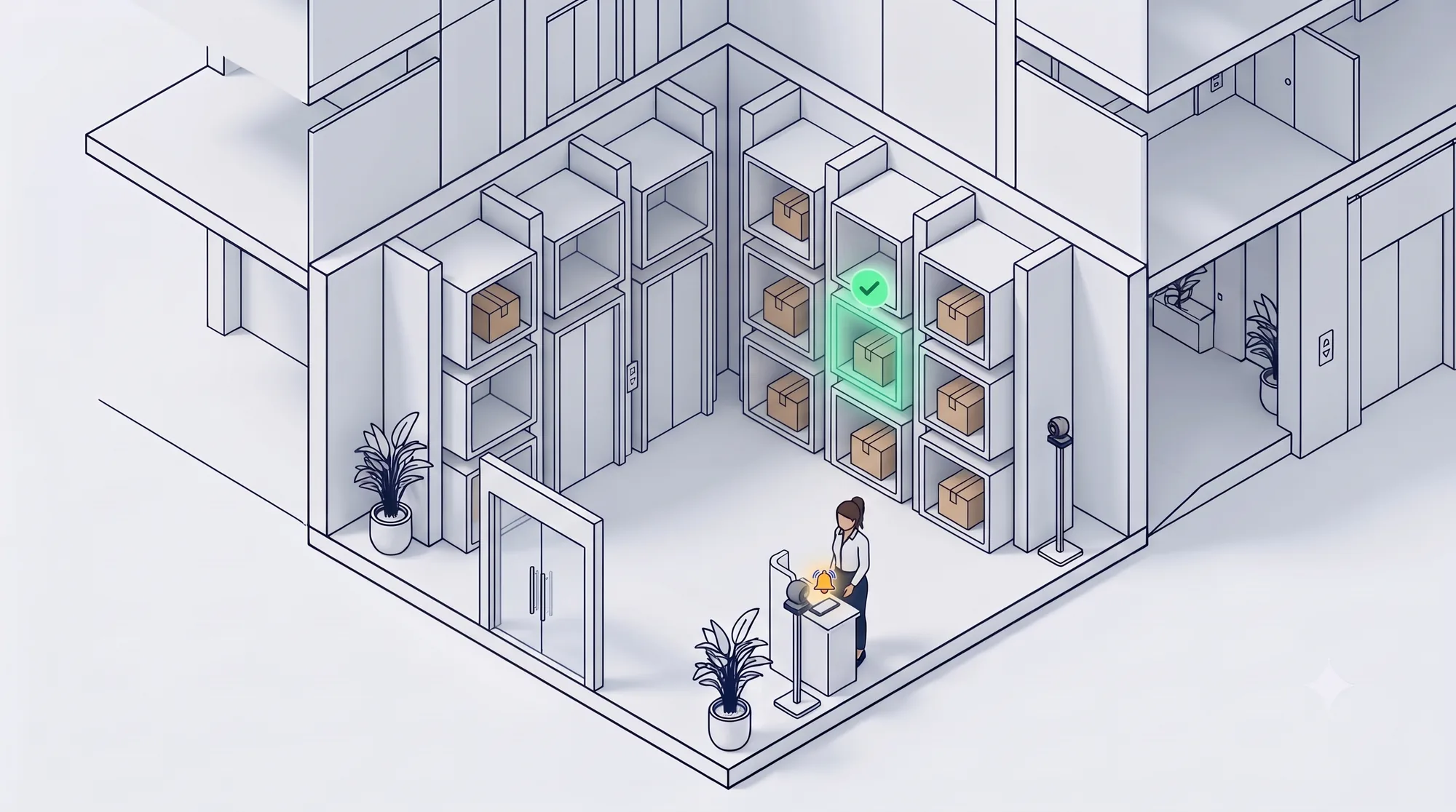
Saved once. Notification queued.
Confirmed by an officer, or automatically when the property allows it, the parcel is saved with one pending notification. Retries never create a second parcel.
Walk a parcel through the officer app.
Capture, matching, the hold rack and saving work today in this preview. Sending notifications and the real recognition model come later.
What is in this build
- Capture by webcam, image upload or auto-capture
- The label image with a box and a confidence score for each field
- Unit and recipient matching inside one property
- Duplicate tracking numbers held before saving
- Hold rack and queue, with an owner for each job
- One parcel, one record, with a notification queued
What comes next
- Sending notifications to residents
- The real text recognition model
- Real resident data and sign-in
- Dashboards and property reports
- Collection and handover flows